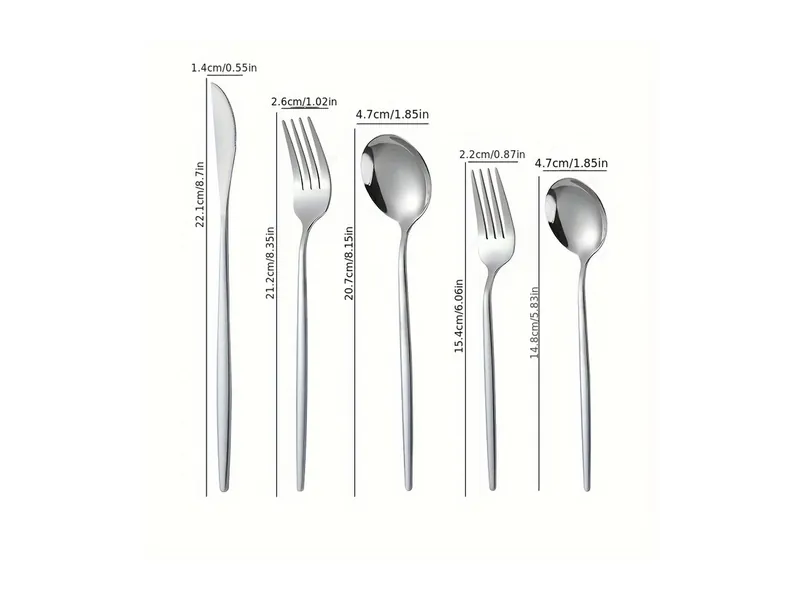
Before Printing Cutlery Box Barcodes: Match Each Code to the Pack
· Yumingxing
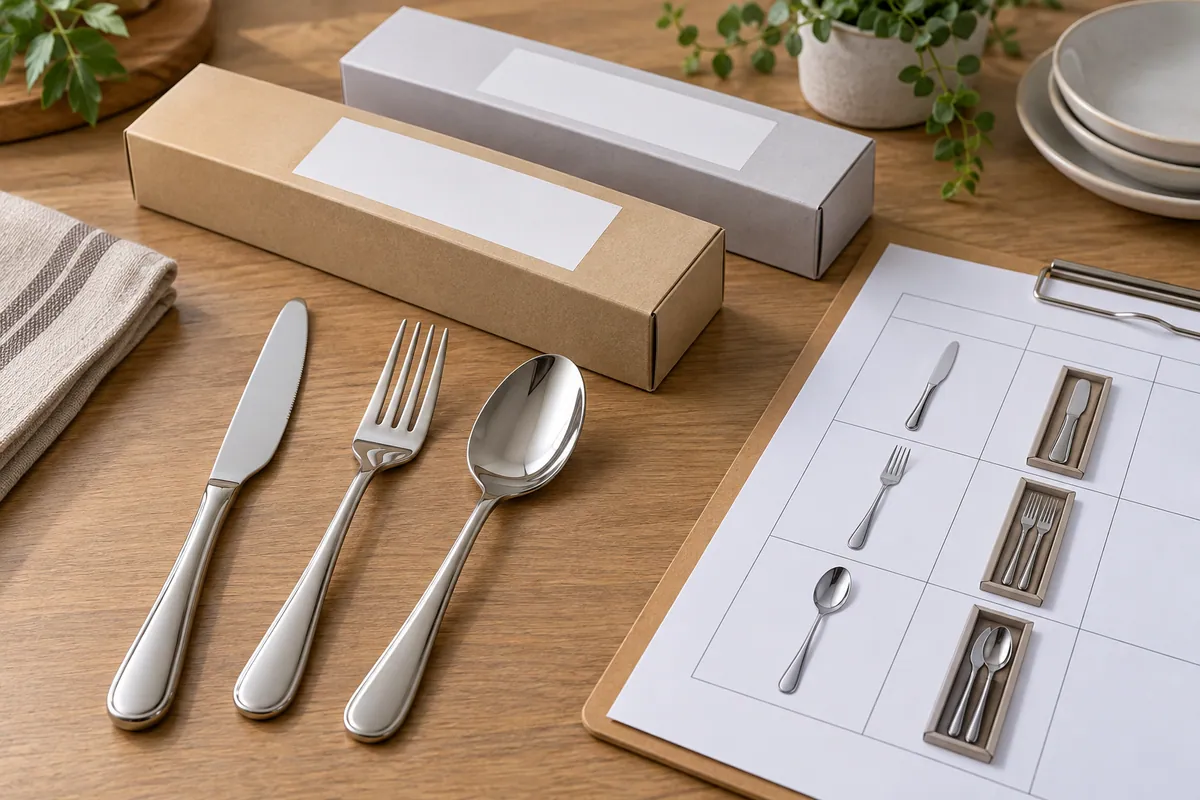
The cover is a generated editorial illustration. The boxes and blank label areas are not approved Yumingxing packaging or real barcodes.
One private-label cutlery project may include a five-piece set, a two-piece add-on and more than one finish. The box artwork can look nearly identical while the contents and the buyer’s item identifiers differ. Before printing, the buyer needs to answer a narrow question: does the code on each box point to the exact pack being ordered? This is a pack-identity handoff, separate from checking a web listing or approving a care statement.
Yumingxing’s RFQ guide asks buyers to state the model, piece count, colour or packaging configuration and artwork requirements. GS1 explains that a barcode can be integrated into packaging artwork and that a GS1 GTIN identifies a product. Those references do not assign a number to any Yumingxing item. The brand owner or buyer must supply the approved identifier and confirm which pack it represents under the system used in its market.
Make one approval row for each retail pack
| Approval field | What to enter | Who confirms it |
|---|---|---|
| Order and pack identity | Order line, buyer SKU, model, finish and pack revision | Buyer and supplier |
| Contents | Knife, fork and spoon types and quantity in the sealed retail unit | Buyer against approved set |
| Identifier | Buyer-supplied code, barcode type and master-data record | Identifier owner |
| Artwork | Box dieline, code placement and file revision | Artwork owner |
| Proof | Printed proof or sample pack, readable code and decoded value | Buyer-appointed checker |
| Decision | Approved, correction required, or unresolved with date and owner | Release owner |
Keep the consumer unit distinct from a shipping carton. A carton may carry a different identifier or mark, so do not copy the retail-box code onto another packing level by assumption. Likewise, a finish or piece-count change should trigger a fresh pack-to-code review; whether it needs a new GTIN is a decision for the identifier owner against the applicable GS1 rules, not something a supplier can infer from a photo.
Check the physical proof, not only the file name
First, compare the approved pack contents with the order line and the buyer’s item master. Second, compare the code data and placement on the final artwork with the buyer-supplied record. Third, inspect a representative printed proof: scan it with the buyer’s intended process and check the decoded value against that same record. A readable symbol alone is insufficient if it resolves to the wrong set. Record the artwork revision, proof ID, checker and decision before the print release. If any identity, content or artwork field changes, withdraw the earlier approval and repeat the affected checks.
Send the supplier a controlled pack matrix and artwork files alongside the RFQ. Ask it to confirm the feasible print route and proof stage. Do not treat a generic illustration, draft label or catalogue picture as evidence that an actual retail box has passed code verification.